24
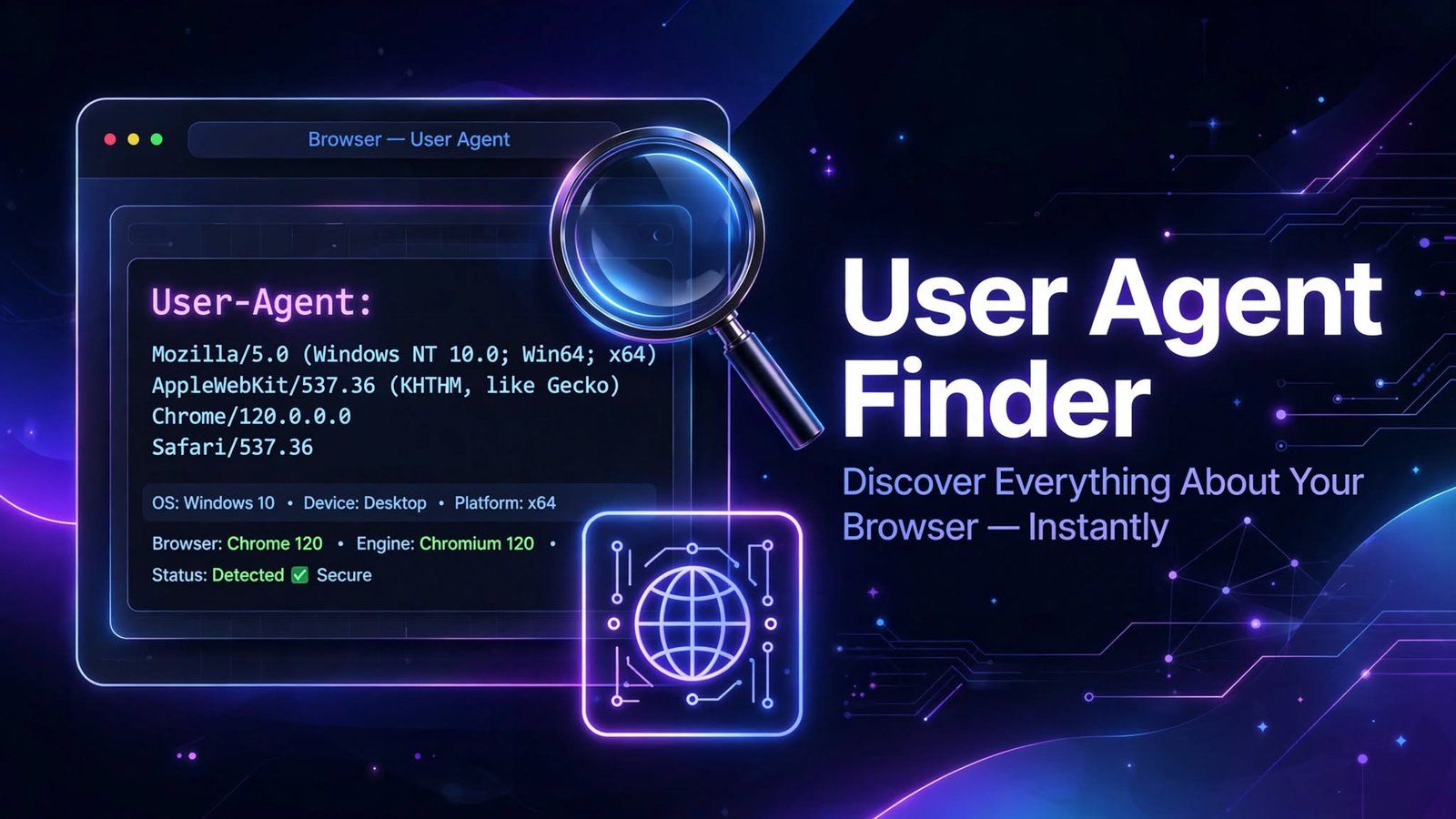
User Agent Finder: Discover Everything About Your Browser Instantly
User Agent Finder: Discover Everything About Your Browser Instantly
User Agent Finder: Discover Everything About Your Browser Instantly
Introduction
Every time you visit a website, your browser sends a small piece of text called a User Agent string. This string tells websites who you are — or more specifically, what browser, operating system, and device you're using. While most users never see this information, it plays a huge role in how the web works.
That's where our User Agent Finder tool comes in. In just one click, you can instantly view your complete User Agent string and all the details hidden inside it — no technical skills required, no downloads, no sign-ups.
What Is a User Agent?
A User Agent (UA) is a line of text your browser automatically sends to every website you visit. It acts like a digital ID card, identifying:
- Your browser (Chrome, Firefox, Safari, Edge, etc.)
- Browser version
- Your operating system (Windows, macOS, Linux, Android, iOS)
- Device type (desktop, tablet, or smartphone)
- Rendering engine (Blink, Gecko, WebKit)
Websites use this information to deliver the right version of their content, optimize layouts, enable specific features, and analyze visitor traffic.
What Is the User Agent Finder Tool?
User Agent Finder is a free, fast, and simple online tool that displays your current User Agent string along with a breakdown of all its components. Instead of digging through browser settings or developer consoles, you get everything in one place, instantly.
Just open the tool — and your User Agent details appear immediately.
Key Benefits of Using User Agent Finder
✅ 1. Instant Results
No waiting, no configuration. The moment the page loads, your full User Agent string and parsed details are displayed. It's the fastest way to check what your browser is telling websites.
✅ 2. 100% Free to Use
No subscriptions, no premium locks, no hidden fees. Use it as often as you like — for work, testing, or curiosity.
✅ 3. No Installation Required
Everything runs in your browser. There's nothing to download, install, or update. It works on desktop, tablet, and mobile devices.
✅ 4. Detailed Breakdown — Not Just a Raw String
A raw User Agent string can look like confusing jargon. Our tool breaks it down into easy-to-read sections:
- Browser name and version
- Operating system and version
- Device type
- Engine details
This makes it useful even for non-technical users.
✅ 5. Perfect for Developers and Testers
Web developers and QA testers rely on User Agent data to:
- Verify how browsers identify themselves
- Test websites across different devices
- Debug layout or compatibility issues
- Confirm whether browser extensions or privacy tools are modifying their UA string
✅ 6. Great for Marketers and Analysts
Understanding User Agents helps marketing teams and analysts:
- Interpret traffic data accurately in tools like Google Analytics
- Understand which devices and browsers their audience uses
- Optimize campaigns and landing pages for the right platforms
✅ 7. Privacy Awareness
Ever wondered what information you're broadcasting to every website you visit? User Agent Finder shows you exactly what your browser reveals — helping you understand your digital footprint.
✅ 8. Detect Spoofed or Modified User Agents
Privacy extensions and VPNs sometimes change your User Agent. This tool lets you verify what's actually being sent, which is useful for troubleshooting or confirming your privacy setup works.
✅ 9. Helpful for Support and Troubleshooting
When reporting a website issue to a support team, they'll often ask for your browser and OS details. Instead of guessing, simply copy your User Agent string from our tool and share it — accurate information every time.
✅ 10. Works on Any Device
Whether you're on a Windows PC, a Mac, an Android phone, or an iPhone, the tool works seamlessly and shows the exact User Agent your device sends.
Who Should Use User Agent Finder?
User Type
How They BenefitWeb Developers | Test and debug browser-specific behavior
QA Testers | Verify device and browser identification
Digital Marketers | Analyze audience devices and browsers
Privacy-Conscious Users | See what data your browser exposes
IT Support Teams | Quickly gather user environment details
Everyday Users | Satisfy curiosity and understand the web better
How to Use the Tool
- Open the User Agent Finder page.
- View your User Agent string instantly.
- Read the detailed breakdown of your browser, OS, and device.
- Copy the string with one click if you need it for support, testing, or documentation.
That's it — no steps to learn, no settings to configure.
Frequently Asked Questions (FAQ)
Q: Is User Agent Finder free?
Yes, it's completely free with no limits.
Q: Does the tool store my data?
No. The tool simply reads the information your browser already sends. Nothing is stored or shared.
Q: Can two people have the same User Agent?
Yes. User Agents aren't unique identifiers — many users with the same browser and OS share the same string.
Q: Why does my User Agent look different after using a VPN or extension?
Some privacy tools modify your User Agent to hide your real browser or device. Our tool shows you exactly what's currently being sent.
Q: What's the difference between a User Agent and an IP address?
A User Agent describes your software (browser and OS), while an IP address identifies your network connection. Websites often use both together for analytics and optimization.
Conclusion
Your User Agent string is something you share with every single website you visit — yet most people have never seen it. User Agent Finder makes this hidden information visible in seconds, with a clean, detailed breakdown anyone can understand.
Whether you're a developer debugging a layout, a marketer analyzing traffic, a privacy enthusiast checking your digital footprint, or just a curious user — this tool gives you instant answers, completely free.
Try User Agent Finder now and see what your browser is telling the world.
Contact
Missing something?
Feel free to request missing tools or give some feedback using our contact form.
Contact Us